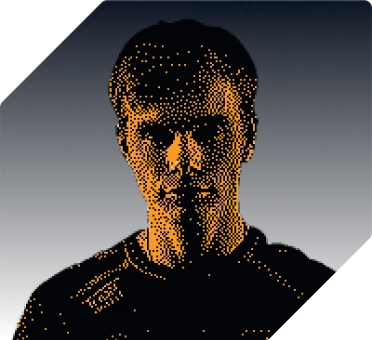




“Well, thanks to my good friends at hone, my game is fully optimized, which I need in order to hang.”
Higgs

Fortnite Player for XSET
PC gaming optimizer for Windows
Your PC has more to give. Hone brings your Windows and game tweaks together, so you can spend less time in settings and more time playing.
Windows 10 and 11 • Free plan available
Also Available On
 STORE
STORETrusted and recognized by teams at
“Well, thanks to my good friends at hone, my game is fully optimized, which I need in order to hang.”
Higgs
Fortnite Player for XSET
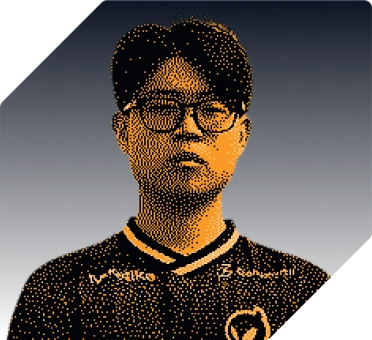
“Improved my end-game in Fortnite with up to 45% FPS increase and reduced the input lag.”
Eomzo
Fortnite Player for Elite Esports
“Hone has absolutely changed the way I thought about pc optimization. Crazy how much difference a single application can make.”
Marrentm
Professional Fortnite Creator
“One of my favorites is the gaming optimization toggle. It instantly applies the best settings for smoother gameplay.”
Khanada
Fortnite Player for Dignitas
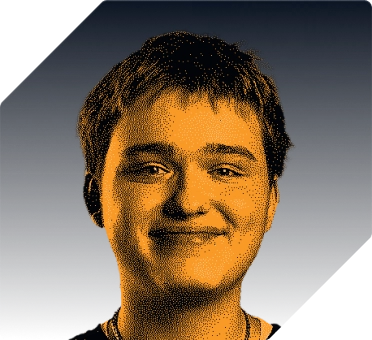
“The input on my mouse feels so direct, my aim is so much better and my FPS is really good, it feels so smooth.”
NotroDan
Content Creator
You've heard from the pros. Here's what other players think.
Launchers, background apps, services you never asked for. Your game has to share your PC with all of them.
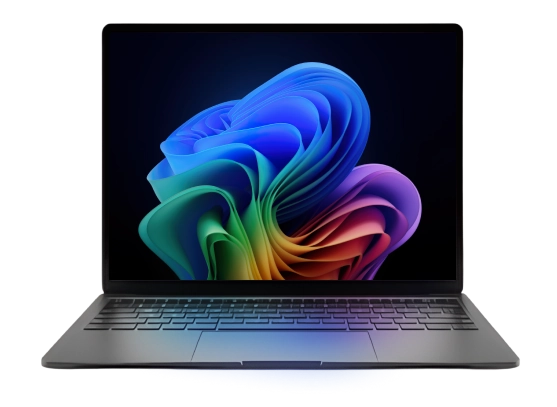


See what each tweak does before you apply it. Hone brings Windows, GPU, and game settings together without sending you through a dozen menus.Start with 10 free optimizations. Each referral adds one, up to 15 total.See How Hone Works

[ with hone you get ]
Fine-tune Windows and game settings to help your PC keep up.
Limit selected background apps and services that compete with your game.
Use grouped settings for supported games without changing every option by hand.

Adjust Windows and network settings to reduce delays on your PC.

Manage selected background processes and services while your game is running.
For supported registry optimizations, Hone saves the original values so you can restore them later.
Performance varies by hardware, game, current settings, drivers, temperatures, and background workload.
Hone detects more than 100,000 titles for system-wide optimization. Dedicated presets and supported settings vary by game.





Find settings for your next game.
Hone helps with the work around your games too, from managing background tasks to keeping your optimizations up to date.
Hone’s FPS optimizer adjusts game settings to maximize frames per second.
“Improved my end-game in Fortnite with up to 45% FPS increase and reduced the input lag.”
Cut back on background activity and tune your connection settings. Your ISP and the game server still affect your ping.
“Improved my end-game in Fortnite with up to 45% FPS increase and reduced the input lag.”

Keep background apps from crowding your game. Game Mode manages selected processes while you play.
“Well, thanks to my good friends at hone, my game is fully optimized, which I need in order to hang.”

Set up your next game without starting from scratch. Hone groups game settings into presets where available.
“One of my favorites is the gaming optimization toggle. It instantly applies the best settings for smoother gameplay.”

We’re all gamers, and we know how much everyone loves their PCs, so we’re always here to answer your questions.
“Improved my end-game in Fortnite with up to 45% FPS increase and reduced the input lag.”

We’re always improving Hone’s software and continually shipping new advanced features and optimizations to ensure your gaming rig stays cutting-edge.
“Improved my end-game in Fortnite with up to 45% FPS increase and reduced the input lag.”

[ faq ]
Hone groups supported Windows, GPU, and in-game settings in one app. The recommendations available to you depend on your PC and the selected game.
No fixed result applies to every PC. FPS, frame-time consistency, and latency depend on hardware, the game, current settings, drivers, temperatures, background workload, and connection conditions. Hone helps you apply supported performance settings without doing every step by hand.
You choose which supported optimizations to apply. Hone can restore supported changes; for registry optimizations, it backs up the original values before applying them.
Download Hone only from the official Hone download page or its Epic Games Store listing. The web installer is delivered through Overwolf. In Hone, review each supported optimization before applying it and use restore for supported changes. Get the official Hone installer.
Yes. The Free plan includes 10 optimizations. Each referral adds one, up to 15 total. Premium removes the optimization limit and adds Premium-only optimizations, presets, Boost-Ups, no ads, and priority support. Compare Free and Premium.
Hone supports Windows 10 and Windows 11 gaming PCs. It is not a macOS, console, or mobile optimizer.
Hone can detect more than 100,000 titles for system-wide optimization. Dedicated game presets and supported options vary by title. Read the Hone for VALORANT guide.
Hone can tune supported settings and selected background activity on your PC and local network adapter. It does not route traffic through relay servers or control your ISP, Wi-Fi quality, distance to the game server, or server load.
Visit the Hone contact page or join the Hone Discord community to reach the support team.