Effect-heavy fights
Smoke, explosions, abilities, and multiple squads can push CPU and GPU load at once.
01
A crowded final ring stacks abilities, effects, player movement, and background PC load into the exact moment an FPS drop or input hitch hurts most.
Smoke, explosions, abilities, and multiple squads can push CPU and GPU load at once.
Launchers, updates, recording tools, and overlays can interrupt an otherwise smooth match.
Inconsistent frame delivery can make tracking, recoil control, and movement feel less predictable.
Apps using CPU, memory, disk, or bandwidth leave less room for Apex Legends.
Elite's EU Apex squad also includes coach BleahciM.
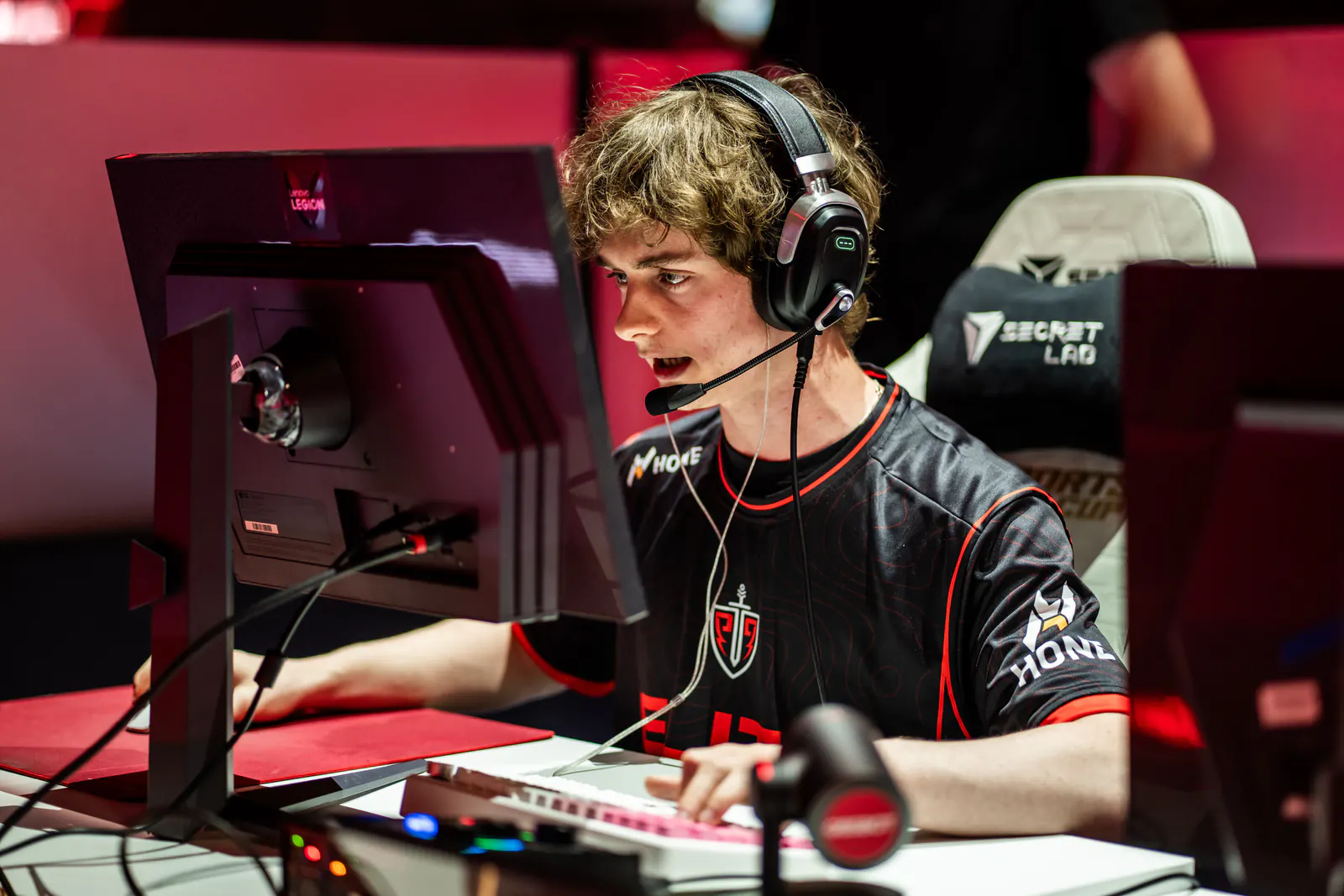
HONE × ELITE ESPORTS
Paweł Haratyk

HONE × ELITE ESPORTS
Pedro Maldonado Vega
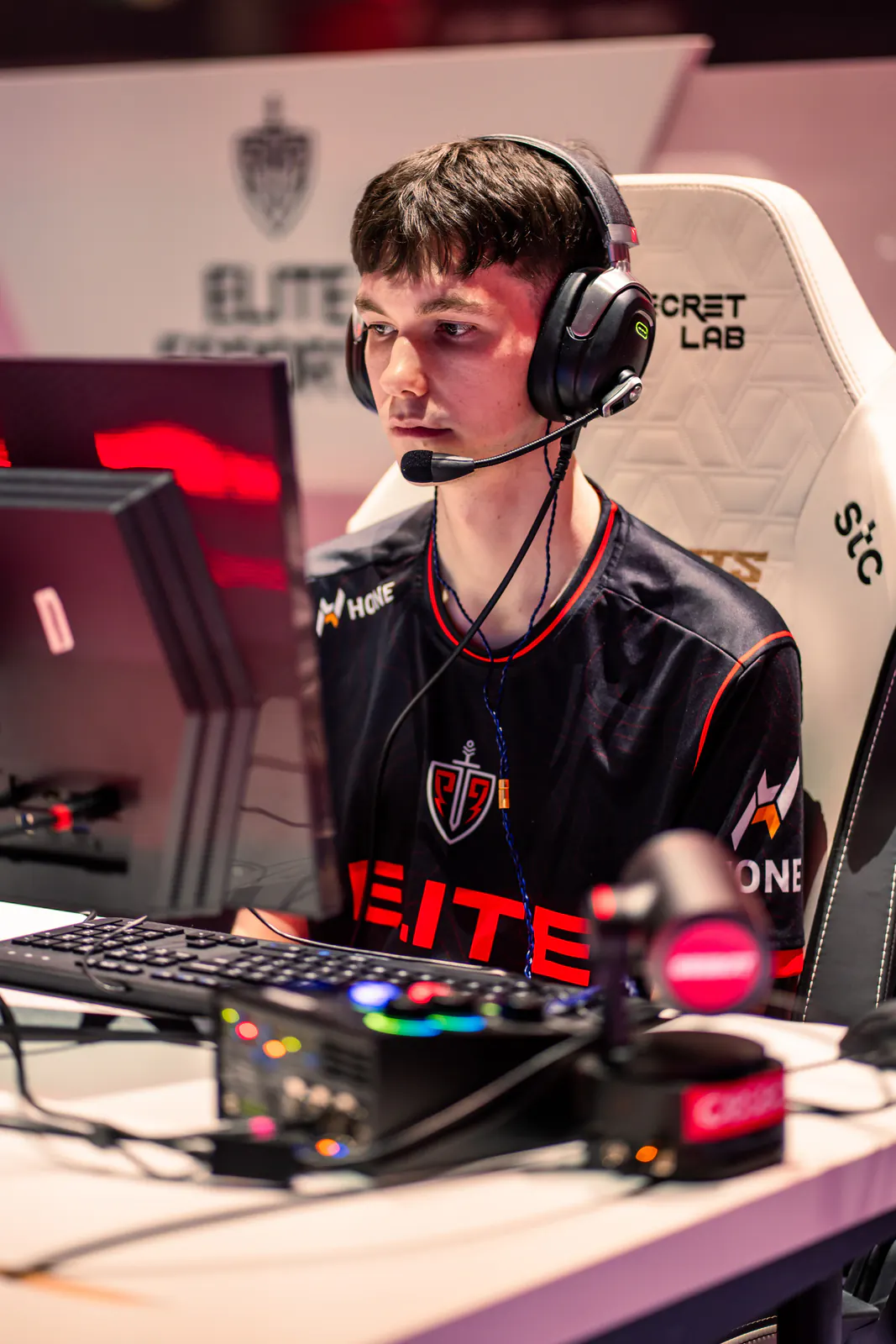
HONE × ELITE ESPORTS
Caleb Nicholls
03
Hone tunes Windows around Apex Legends in one click, without sending you through risky config packs, autoexec files, or a maze of launch options.
Reduce startup and background activity competing with Apex Legends for system resources.
Apply gaming-focused system settings without patching Apex Legends or Easy Anti-Cheat.
Cut avoidable interruptions that can make high FPS still feel choppy.
Reduce PC-side background traffic that can contribute to ping spikes.
04
Hone optimizes Windows around Apex Legends. It does not inject into, read, patch, automate, or modify Apex Legends or Easy Anti-Cheat processes.
Hone stays out of Apex Legends and Easy Anti-Cheat processes.
Hone does not patch or modify Apex Legends or Easy Anti-Cheat files.
Game-setting recommendations are explicit and opt-in, and remain separate from protected game and anti-cheat files.
05
Hone took this Apex Legends test PC from 180 to 224 average FPS.
Test system: Ryzen 7 7800X3D (5 GHz AC), RTX 4080 (stock), 32 GB DDR5 RAM (6000 MHz).
Results vary by hardware, Apex Legends settings, map, drivers, thermals, and background apps.
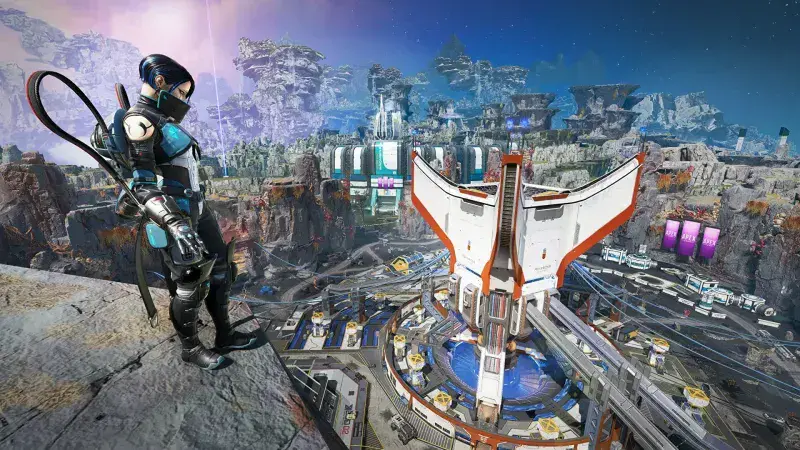
Extra headroom can help demanding fights feel steadier when effects, movement, and multiple squads fill the screen.
06
Hone improves the part your Windows PC controls. It cannot fix EA server load, distance, Wi-Fi quality, or your internet provider’s route.
Hone targets background load, Windows settings, and interruptions that affect local frame rate and input feel.
Hone can reduce background traffic on your PC, but the server, connection, and route still set your ping baseline.
More FPS cannot promise rank, aim, or wins. It gives your PC fewer chances to get in the way.
Close background apps, use settings your PC can sustain, keep graphics drivers current, and let Hone apply gaming-focused Windows optimizations in one click.
Yes. Hone has a free plan with limited optimizations, so you can test it with Apex Legends before deciding whether to upgrade.
Hone works at the Windows level. It does not inject into, read, patch, automate, or modify Apex Legends or Easy Anti-Cheat processes, and it makes no certification or guaranteed-safety claim.
Hone can reduce PC-side background load and traffic that contribute to stutters or ping spikes. Server load, distance, Wi-Fi, and ISP routing still set your baseline.
Hone adds no gameplay scripts or automation and does not modify protected game or anti-cheat files. Game-setting recommendations are explicit, opt-in, and separate.
No. Hone supports Apex Legends PC on Windows 10 and 11 only. It does not support macOS or consoles.