
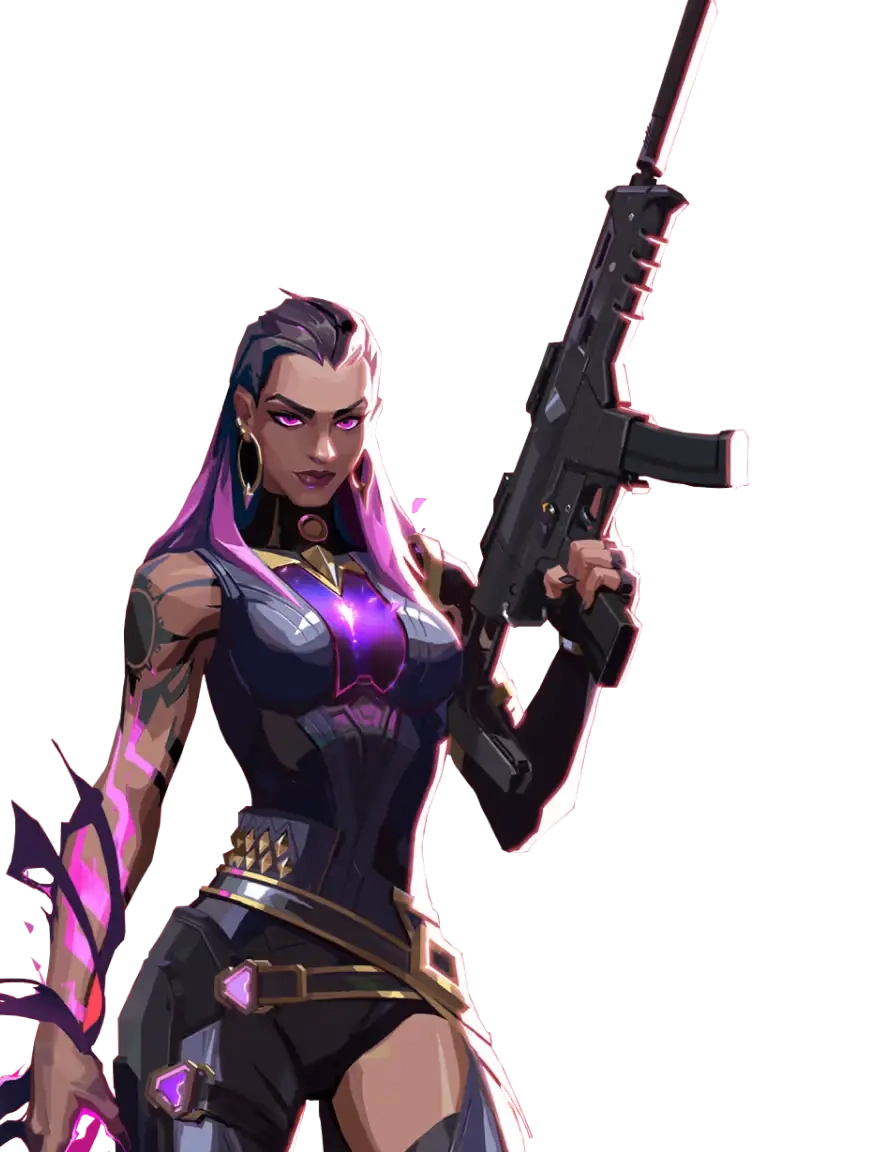
Utility-heavy executes
Smokes, flashes, abilities, and player movement can spike CPU and GPU load at the worst moment.
01
A crowded site hit exposes every background app, overlay, and uneven frame. One hitch is enough to throw off a peek or spray.
Smokes, flashes, abilities, and player movement can spike CPU and GPU load at the worst moment.
Launchers, updates, recording tools, and overlays can interrupt an otherwise smooth match.
Uneven frame delivery makes flicks, counter-strafes, and recoil control feel less consistent.
Apps using CPU, memory, disk, or bandwidth leave less room for VALORANT.
03
Hone tunes Windows around VALORANT in one click, so you can skip the tweak guides and get into the next match.
Reduce startup and background activity competing with VALORANT for system resources.
Apply gaming-focused system settings without patching the VALORANT client.
Cut avoidable interruptions that can make high FPS still feel choppy.
Reduce PC-side background traffic that can contribute to ping spikes.
04
Hone optimizes Windows around VALORANT. It does not inject into, read, patch, automate, or modify the VALORANT client or Riot Vanguard.
Hone stays out of VALORANT and Riot Vanguard processes and does not inject code into either one.
Your VALORANT installation and Riot Vanguard files remain unchanged.
Hone adds no aim, recoil, movement, or input scripts and no gameplay automation.
05
Hone took this VALORANT test PC from 346 to 522 average FPS.
Test system: Intel 10900K (5.5 GHz AC), RTX 4090 (stock), 16 GB DDR4 RAM (18-18-18-24-4000 MHz).
Results vary by hardware, VALORANT settings, map, drivers, thermals, and background apps.
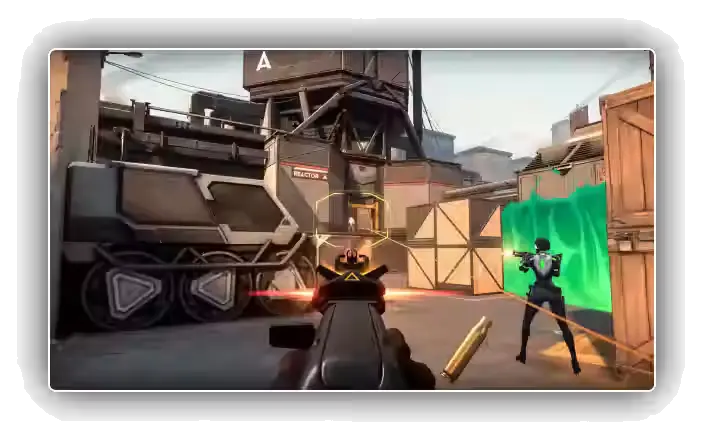
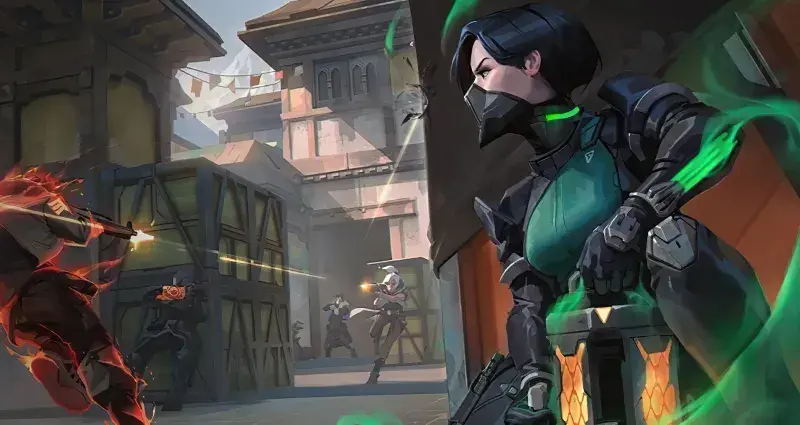
Extra headroom can keep peeks, flicks, and utility-heavy fights feeling steadier when the round gets messy.
06
Hone improves the part your Windows PC controls. It cannot fix Riot server load, distance, Wi-Fi quality, or your internet provider’s route.
Hone targets background load, Windows settings, and interruptions that affect local frame rate and input feel.
Hone can reduce background traffic on your PC, but the server, connection, and route still set your ping baseline.
More FPS cannot promise rank, aim, or wins. It gives your PC fewer chances to get in the way.
Close background apps, use settings your PC can sustain, keep graphics drivers current, and let Hone apply gaming-focused Windows optimizations in one click.
Yes. Hone has a free plan with limited optimizations, so you can test it with VALORANT before deciding whether to upgrade.
Hone works at the Windows level and leaves the VALORANT client and Riot Vanguard alone. It does not inject, read, patch, automate, or modify either one. Riot controls Vanguard requirements, so keep required Windows security features enabled.
Hone can reduce PC-side background traffic that contributes to spikes. Server load, distance, Wi-Fi, and ISP routing still set your baseline.
No. Hone leaves the VALORANT client, game files, memory, and Riot Vanguard unchanged.
No. Hone supports the PC version of VALORANT on Windows 10 and 11 only.