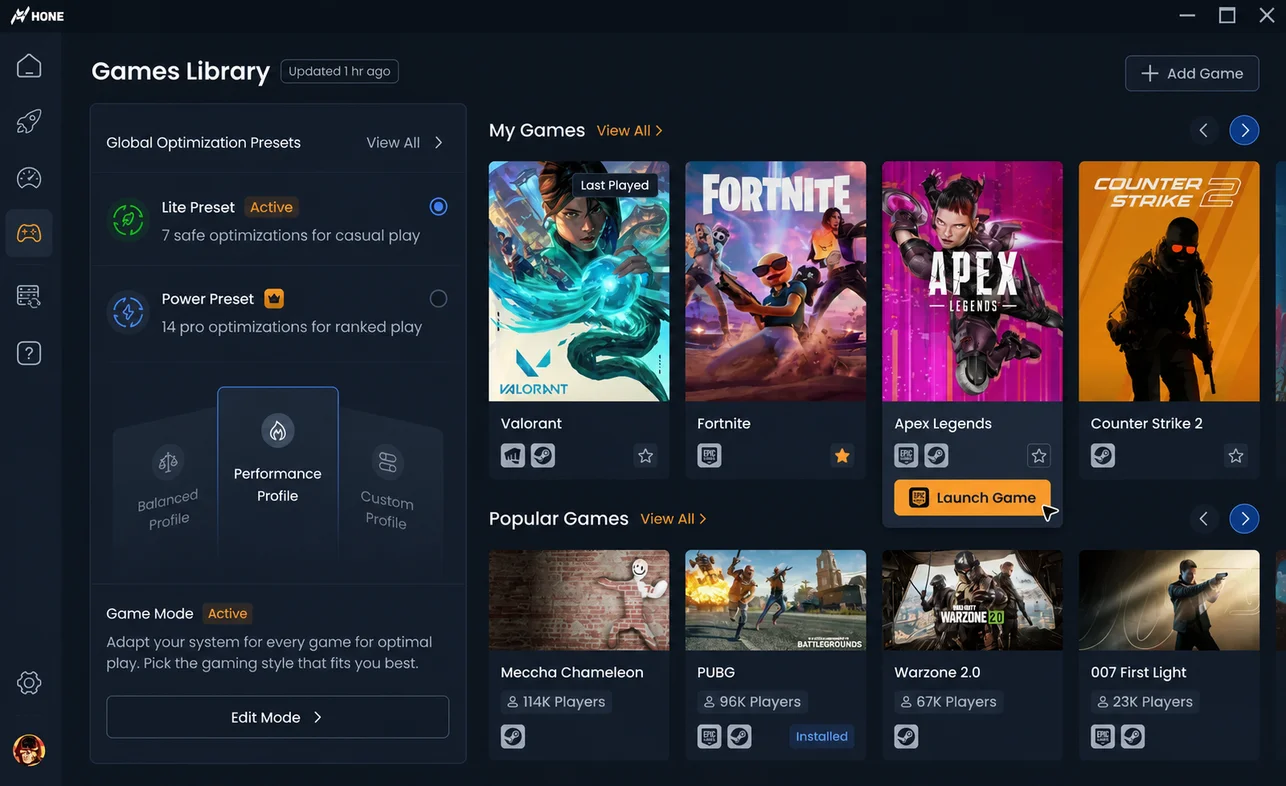






Performance
- Improves your FPS anddecreases lag by up to 60%
- Limits background processes fromaffecting performance
Open the official download page, select the installer, run it, and follow the setup prompts.
If it’s your first time signing into Hone, authenticate through your Hone account, Google, or Discord so your settings are saved on the cloud.
Pick a game of your choice to optimize through Hone! Scroll down through all available games or type in the search box.
See how much your system has been optimized by the available optimizations in real time.
Launch your game and compare it with your baseline. Results vary by PC, game, drivers, temperatures, and current settings.
Join thousands of satisfied gamers!
Read Hone’s published research or compare Hone with other PC gaming tools before you choose.
Hone is a software that optimizes your gaming performance by automatically adjusting your computer settings to match the requirements of the games you are playing.
Hone is designed to work with every PC running Windows 10 or later, and we continuously update our software to ensure compatibility with the latest hardware and software configurations.
Absolutely! Hone is designed to work seamlessly with any game, so you can maximize your gaming performance no matter what you're playing.
Yes, Hone is completely safe to use. We use advanced technology and rigorous testing procedures to ensure that our software is safe and reliable.
Hone works by optimizing your computer's settings to improve your system performance, game settings, and network. Hone has you covered.
If you have any other questions, please don't hesitate to reach out to us through our contact page or join our Discord Community to get in touch with our support team.